CONFIGPAIR — ENVIRONMENT DIFF TOOL
Staging has a key production doesn't. A flag was left on after a debugging session. A URL still points at a test host. Configpair finds those differences in seconds — secrets masked by default, nothing uploaded, nothing stored.
Try it now ↓ Pricing
01 / WHAT IT CHECKS
A key added to staging and never promoted, a URL still pointing at a test host, a flag left on after a debugging session — each is invisible until the thing it controls behaves differently in front of a customer. Configpair finds those differences in seconds.
Keys present in one environment but absent from the other. This is the most common cause of a deployment that builds fine in staging and fails in production with a missing variable error.
Same key, different value. A database host that still points at staging, a timeout set to 30s in one env and 120s in another, a flag that should have been toggled off.
02 / HOW IT WORKS
Configpair runs entirely in your browser. No server receives your env files. No database stores them. No third party touches them. The tool parses the KEY=VALUE format on each side, groups the results into MISSING, CHANGED and SAME, and highlights credential-shaped values so you can show the output on a screen share without exposing secrets.
03 / WHAT IT COSTS
Configpair costs nothing. Every feature — paste, compare, toggle secret visibility, export CSV, copy report — is available immediately with no sign-up, no credit card, and no limit on how many files you compare. There is no free tier that caps features. The tool is what you see.
Why free? Configpair runs in your browser. There are no servers to maintain, no storage to provision, and no accounts to manage. Each comparison uses your machine's CPU, not ours. You pay nothing because it costs us nothing to run.
If your team needs something Configpair does not offer — automated comparison across many environments, CI integration, secret management audit — those are different products. This one compares two env files and does it well.
04 / WHAT IT DOES NOT COVER
No history
Configpair does not store past comparisons. Once you close the tab, the comparison is gone. If you need a record, export the CSV or copy the report before you leave.
No CI integration
This tool runs in a browser tab. It does not connect to GitHub Actions, GitLab CI, or any pipeline. A CI-integrated drift checker is a different product.
No secret manager
Configpair does not read from AWS Secrets Manager, Vault, or any external store. You provide both env files as text. What you paste is what gets compared.
No .env validation
The tool parses KEY=VALUE lines. It does not check whether a value is well-formed, valid JSON, a reachable URL, a correct port number, or anything else about the content.
No nested envs
Configpair compares exactly two files. If your workflow compares three environments (dev, staging, production), run it twice — there is no multi-file view.
No file loading
There is no file-upload button. Paste the content directly. This is deliberate: a file picker implies the browser reads a file from disk, which offers no advantage over copy-and-paste and adds UI surface for something that works trivially.
05 / EXAMPLE RESULT
Here is what the output looks like when you compare a staging file against production. Keys with credential-shaped names are masked by default — shown as visible in this example, but hidden in the initial output until you choose to reveal them.
FEATURE_EXPORT_PDF=falseSENTRY_DSN=https://...DB_HOSTlocalhost→prod-db.internalAPI_TIMEOUT30000→15000LOG_LEVELdebug→info100%
Client-side — no servers
0
Accounts to create
Secrets masked
by default on screen share
TRY IT NOW
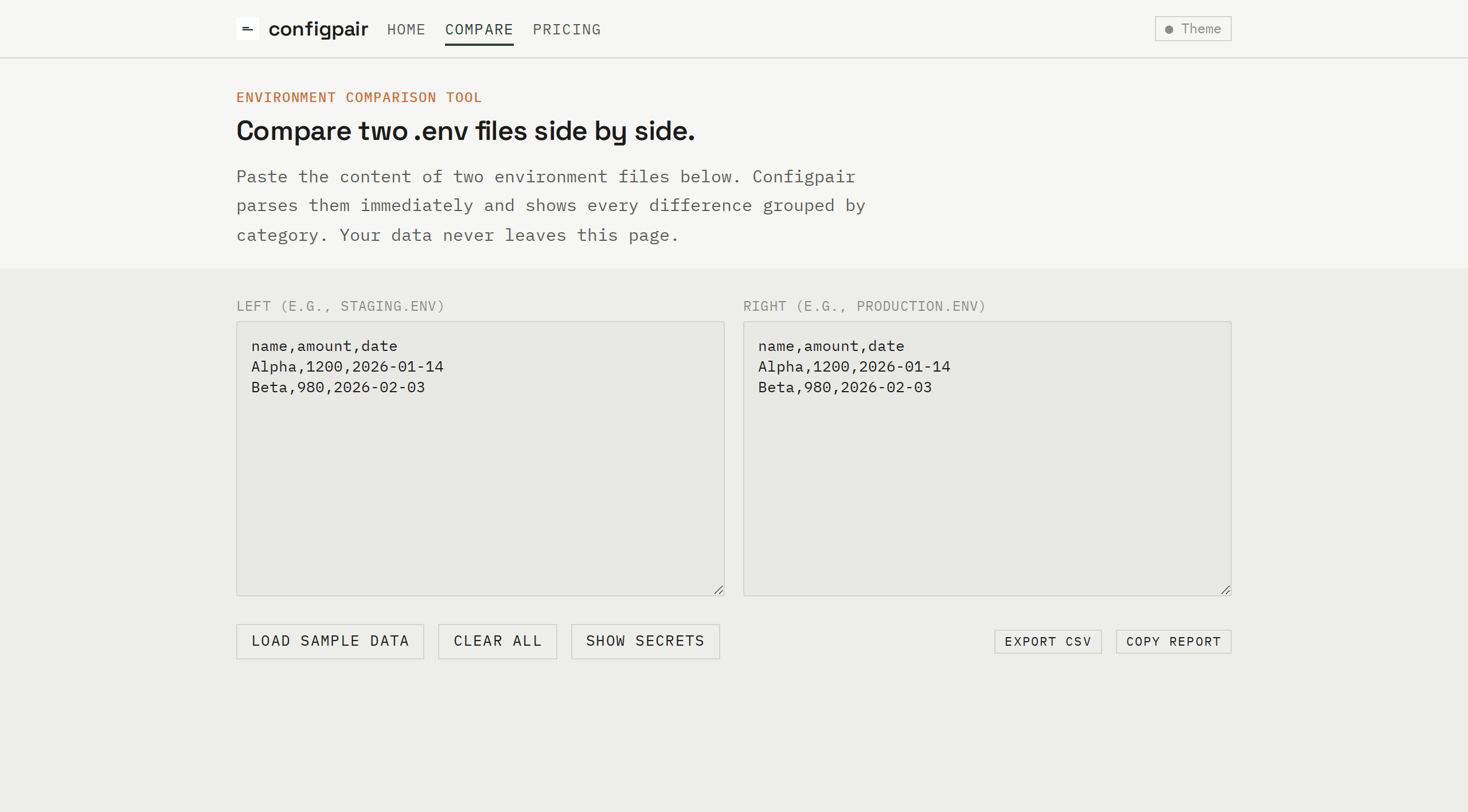
No upload. No account. Nothing stored. Paste the content of two .env files below. Configpair compares them immediately and groups the results into MISSING, CHANGED, and SAME.
Paste environment files above to see a comparison.
Open the full comparison tool in a dedicated view, or use the widget above. Either way, your data stays in your browser.
Open full comparison tool →